5 Best Budget Gaming Monitors Under USD 200 for Esports
Five gaming monitors under USD 200 with refresh rates and response times suited to competitive esports, from compact displays to 1440p options.
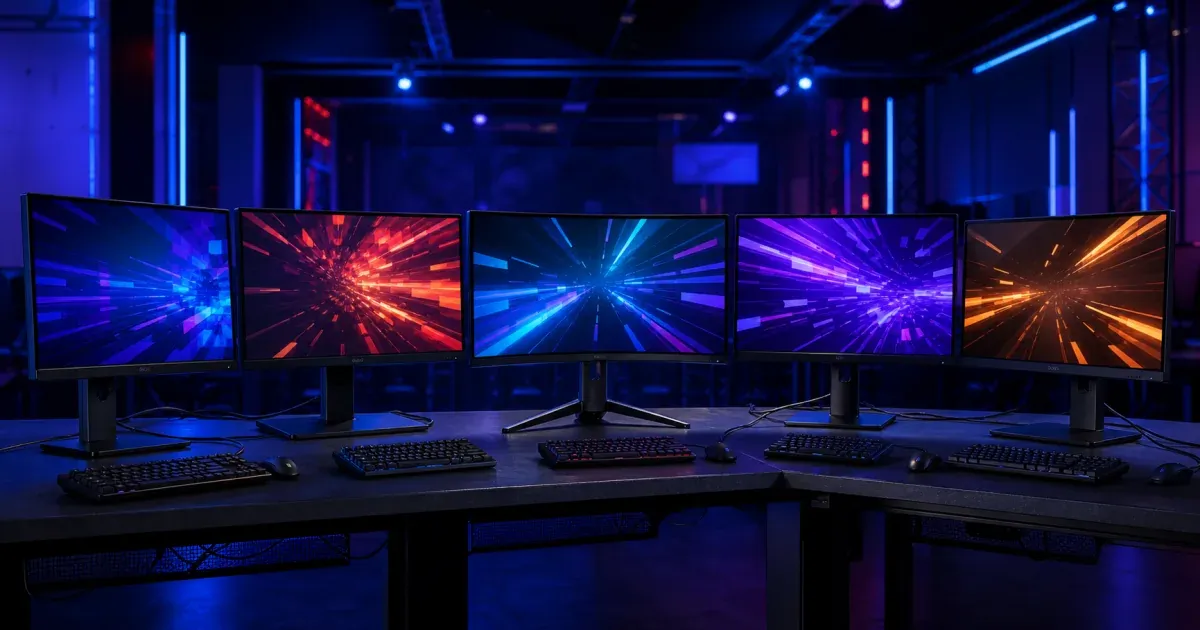
A 60Hz monitor is the single biggest handicap a competitive player can have without realising it.
It is easy to spend hours tuning in-game settings, mouse sensitivity and keybinds while the monitor itself quietly caps how much of that improvement you can actually see. A higher refresh rate means more updated frames reaching your eyes every second, which translates directly into smoother tracking and earlier reactions in fast esports titles. None of that requires spending USD 500 on a premium display. Prices differ in the UK, Canada and Australia, so use that US figure as a reference point rather than assuming a direct GBP, CAD or AUD equivalent.
For most players, we would start with the Dell SE2726HG. A 27-inch (68.6 cm), 240Hz panel from a mainstream manufacturer at this price is genuinely unusual, and it is a safe, dependable choice for someone setting up their first serious competitive monitor. If you want a screen with a long track record in the esports scene specifically, the AOC 24G2SP is worth a look, and if you would rather have more visual detail than raw speed, the KOORUI 27E6QCA steps up to 1440p while staying under budget.
Here are the five monitors worth considering. They were selected against a USD 200 ceiling in the US market; check the local Amazon marketplace for current GBP, CAD or AUD pricing and availability.
The five budget gaming monitors at a glance
Dell SE2726HG
A 27-inch (68.6 cm), 240Hz IPS panel from a mainstream brand, at a price that undercuts most 144Hz monitors.
AOC 24G2SP
A long-running budget favourite with a reputation for consistent panel quality and clean motion.
KOORUI 27E6QCA
A curved 1440p panel at 180Hz, for players who want more detail without giving up smoothness.
ViewSonic VX2428A
The cheapest genuinely competitive option here, with 180Hz and a fast IPS panel.
Acer Nitro KG241Q
A smaller 23.8-inch (60.5 cm) panel that fits comfortably into a dual-monitor competitive and streaming setup.
What actually matters when buying one of these
Refresh rate helps most players up to a point, then response time takes over
Going from 60Hz to 144Hz is a dramatic, obvious improvement for almost anyone. Going from 144Hz to 240Hz is a smaller, more marginal gain that mostly benefits players who are already consistent and reacting close to their physical limit. If you are upgrading from a standard monitor, prioritise getting to at least 144Hz before chasing the highest Hz number on the box.
Resolution and refresh rate trade against each other at this price
A 1440p monitor shows noticeably more detail and screen real estate than 1080p, but it also asks more of your graphics card to hit high frame rates. If your PC is on the older or budget side, a 1080p monitor at a higher refresh rate will usually feel smoother in practice than a 1440p screen that struggles to keep frame rates up in demanding titles.
Panel type changes how the image looks, not just how fast it reacts
IPS panels give more consistent colour and wider viewing angles, which matters if you glance at the screen from an angle or care about colour for streaming. VA panels, common on curved budget monitors, often have deeper contrast but can show more smearing in very fast motion. Neither is wrong for esports, but know which trade-off you are making.
1. Dell SE2726HG: the one we would recommend to most players
A 27-inch (68.6 cm) monitor with a genuine 240Hz refresh rate from a brand like Dell, at a price that competes with basic 144Hz screens elsewhere, is the kind of value that does not come along often. The Dell SE2726HG uses a fast IPS panel with AMD FreeSync Premium, response times down to 0.5ms in its fastest mode, and TÜV-certified flicker-free, low blue light settings for long sessions.
In practice, that combination makes fast-paced shooters and fighting games feel noticeably smoother than on a standard 60Hz or 75Hz monitor, without the washed-out colours some budget TN panels show at extreme refresh rates. The base SE2726HG only tilts, so if you want height and swivel adjustment as well, the very similar SE2726HGS adds that for a little more.
It will not match a premium 1440p monitor for image detail, and 240Hz is genuinely more benefit to advanced players than beginners still building consistent aim. For most players setting up a first serious competitive monitor, though, this is where we would start.
2. AOC 24G2SP: the long-running esports favourite
Some monitors earn a reputation in the competitive scene simply by being consistently good for years rather than flashy for one release cycle. The AOC 24G2SP built on that reputation, following the original AOC 24G2 with a wider variable refresh range, up to 165Hz over DisplayPort and 144Hz over HDMI, on a 24-inch (61 cm) IPS panel.
Its strength is consistency rather than any single standout spec. Colours stay accurate off-angle, motion stays clean at 144Hz, and the height-adjustable, VESA-compatible stand makes it easy to fit into a proper ergonomic setup rather than propping it up on a stack of books. That reliability is part of why monitors in this line have shown up in club and LAN setups for years.
At 24 inches (61 cm) and 1080p, it is not the most spacious or highest-resolution screen here, and 165Hz needs DisplayPort rather than HDMI to reach its full range. For a dependable, proven competitive monitor rather than the newest spec sheet, this is a safe choice.
3. KOORUI 27E6QCA: more detail without leaving this budget
Not every competitive player wants to trade resolution for the highest possible refresh rate. The KOORUI 27E6QCA is a 27-inch (68.6 cm) curved QHD (1440p) VA panel running at 180Hz, which is a genuinely unusual combination to find under USD 200.
The extra resolution gives you noticeably more detail and screen space than the 1080p monitors on this list, useful for both gameplay and having Discord or a stream overlay visible at the same time. The 1500R curve adds a small sense of immersion without being aggressive enough to distort straight lines and UI elements.
The VA panel means slightly more motion blur in the very fastest scenes compared with the IPS monitors here, and reaching 1440p at 180Hz consistently asks more of your graphics card than running 1080p. It suits players whose PC can actually push that resolution, more than an absolute budget build.
4. ViewSonic VX2428A: the cheapest genuinely competitive option
If your budget is the deciding factor, the ViewSonic VX2428A is usually the least expensive monitor on this list while still offering a real competitive spec: a 24-inch (61 cm) IPS panel at 180Hz with 0.5ms response time and AMD FreeSync Premium.
That combination punches well above what the price suggests. It will not have the extra height and swivel adjustment of pricier stands, and the design is plain rather than styled like a gaming product, but the actual panel performance holds up for fast-paced titles. For a second monitor, a backup screen, or a first competitive display on a tight budget, it does the job without unnecessary extras.
Choose this one when price is genuinely the deciding factor and you would rather spend the savings elsewhere in your setup.
5. Acer Nitro KG241Q: the compact pick for tight desks
A 27-inch (68.6 cm) monitor is not always the right fit, especially if you are running two screens side by side for gameplay and stream chat, or your desk is simply too narrow for a wide single display. The Acer Nitro KG241Q is a 23.8-inch (60.5 cm) 1080p IPS panel with a high refresh rate and FreeSync support, small enough to pair two of them without dominating a desk.
Acer's Nitro range has a long history in budget esports monitors, and the KG241Q follows that formula closely: nothing exotic, just a fast, accurate panel in a straightforward frame. That makes it an easy monitor to buy a second one of later, for a dual-screen competitive and streaming setup, without the pair taking over your whole desk.
Its smaller size means less screen real estate than the 27-inch (68.6 cm) options here, so it suits a dual-monitor or space-constrained setup better than a single-screen main display.
So, which one should you buy?
For most players setting up a serious competitive display, the Dell SE2726HG is the easiest recommendation, because its combination of size, refresh rate and brand reliability is unusually good value at this price.
Choose the AOC 24G2SP if you want a monitor with a long, proven track record in competitive setups. Pick the KOORUI 27E6QCA when extra resolution and detail matter more than the absolute highest refresh rate. Go for the ViewSonic VX2428A when price is the deciding factor, and choose the Acer Nitro KG241Q if you are building a dual-monitor setup or working with limited desk space.
A quick way to decide:
- If you want the best all-round value at this price, choose the Dell SE2726HG.
- If you want a monitor with an established competitive track record, choose the AOC 24G2SP.
- If your PC can push 1440p and you want the extra detail, choose the KOORUI 27E6QCA.
- If budget is the priority, choose the ViewSonic VX2428A.
- If you need two monitors side by side, choose the Acer Nitro KG241Q.
If you are setting up the competitive side alongside the hardware, Fixture.cc's free esports tournament generator builds single or double elimination brackets, Swiss pairings and round-robin fixtures for gaming tournaments in a few minutes, with no account needed.
A few mistakes worth avoiding
Chasing Hz numbers past what your PC can actually push
A 240Hz monitor is wasted if your graphics card only renders 90 frames per second in the games you actually play. Check the frame rates your PC realistically achieves in your main titles before paying extra for a refresh rate you cannot fully use yet.
Ignoring the cable you need to hit the advertised refresh rate
Some of these monitors only reach their highest refresh rate over DisplayPort, with HDMI capped lower. Check which port your graphics card supports and which cable is included in the box, rather than assuming any cable will unlock the full spec.
Buying resolution you cannot comfortably run
A 1440p monitor looks great in the store, but if your PC struggles to maintain a high frame rate at that resolution in your main game, a 1080p monitor at a higher refresh rate will often feel better in actual competitive play.
Frequently asked questions
Is 144Hz enough for esports, or do I need 240Hz?
144Hz is enough to feel a major improvement over a standard 60Hz monitor and is genuinely competitive for the vast majority of players. 240Hz offers a smaller, more marginal benefit that mainly helps players who are already very consistent and reacting near their physical limit.
Should I choose 1080p or 1440p for competitive gaming?
1080p is easier to run at a high, stable frame rate on a budget graphics card, which usually matters more for competitive play than extra resolution. Choose 1440p only if your PC can maintain high frame rates at that resolution in the games you actually play.
Do I need G-Sync or FreeSync for esports?
Variable refresh rate technology like FreeSync reduces screen tearing and feels smoother, and it is a genuine benefit, but it matters less at very high frame rates where tearing becomes less noticeable anyway. It is a helpful feature rather than a strict requirement for competitive play.
Does panel type (IPS vs VA) matter for esports?
IPS panels generally show cleaner motion in very fast scenes and more consistent colour off-angle, which suits competitive play well. VA panels can offer deeper contrast but may show more smearing in the fastest motion, which is worth considering if you play fast-paced shooters specifically.
Our final pick
The Dell SE2726HG is the best default for most players building a budget esports setup, because a 240Hz panel from a mainstream brand at this price is unusually good value. The other four monitors here answer a more specific need, whether that is proven competitive history, extra resolution, the lowest possible price, or a compact size for a dual-monitor setup.
Our editorial process
How we research and review our content
Our research process depends on the subject. We select the sources that can answer the article's actual question, cross-check important claims, and distinguish documented facts from editorial judgement.
- Practical context and direct experience
- We draw on our team's experience of sports, equipment, and organising competitions when it is relevant. Direct use informs our judgement only where it actually occurred; we do not present research as hands-on testing.
- Primary and authoritative sources
- Depending on the topic, we consult governing-body rules, official guidance, manufacturer specifications and manuals, standards, technical documentation, and other first-party sources.
- Independent and public evidence
- For comparisons and recommendations, we may examine specialist reviews, public customer feedback, retailer information, ratings, and recurring real-world issues. We cross-check patterns and never treat one comment or score as proof.
- Editorial review and updates
- We compare the available evidence with the reader's likely needs, explain uncertainty and trade-offs, verify important claims, and update content when rules, products, features, or source information change.
Share this article
Send this guide to someone who might find it useful.

About the author
Fixture.cc editorial team
The Fixture.cc editorial team is a global group of sports enthusiasts creating practical, trustworthy guides for sports fans, competition organisers, coaches, and teachers.
View editorial profileKeep reading
Related articles
5 Best Gaming Chairs Under USD 150 for Esports and LANs
Five gaming chairs under USD 150 that suit long esports sessions and LAN tournaments, with options for different builds and warmer rooms.
Best Cameras for Recording Youth Football Matches in 2026
Five cameras for filming youth football from the sideline, chosen for battery life, wide field of view, stabilization, and standing up to a wet touchline.
5 Best Pickleball Paddles for Every Playing Style
Five current pickleball paddles for control, value, quick handling, power and premium play, with practical advice on choosing the right shape.